Exporting Metadata
ReQuest allows users to export metadata relating to a question in CSV format. Each row represents a question. The “dataset_var” columns contain the survey identifier (DOI) followed by the names of the variables derived from that question (columns A and B).
The “Access” button takes users directly to the selected survey in the repository.

The metadata export feature is available from both the Search Results page and the Question Details page.
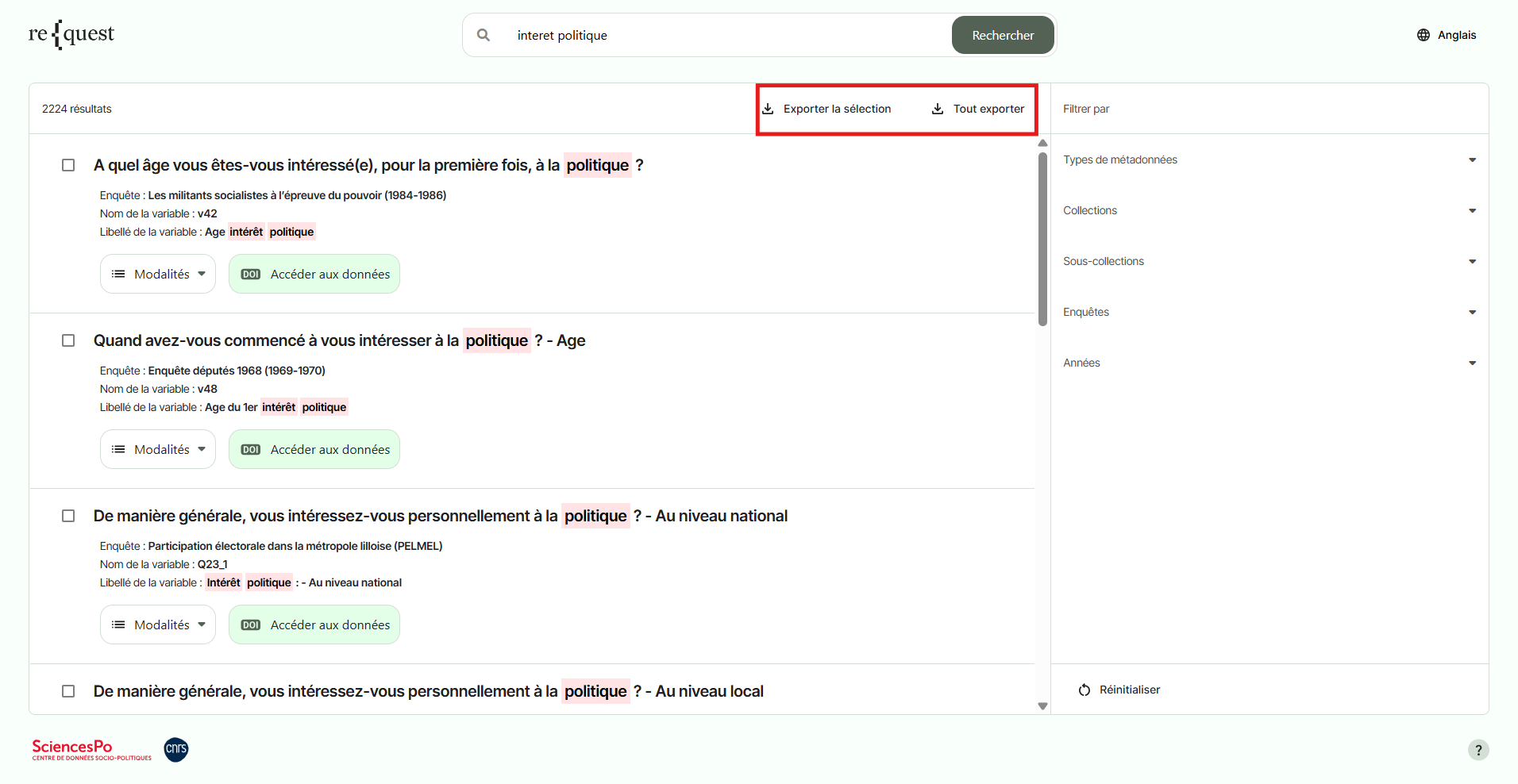
To export all questions matching your search, click the “Export All” button in the top-right corner of the Search Results page.
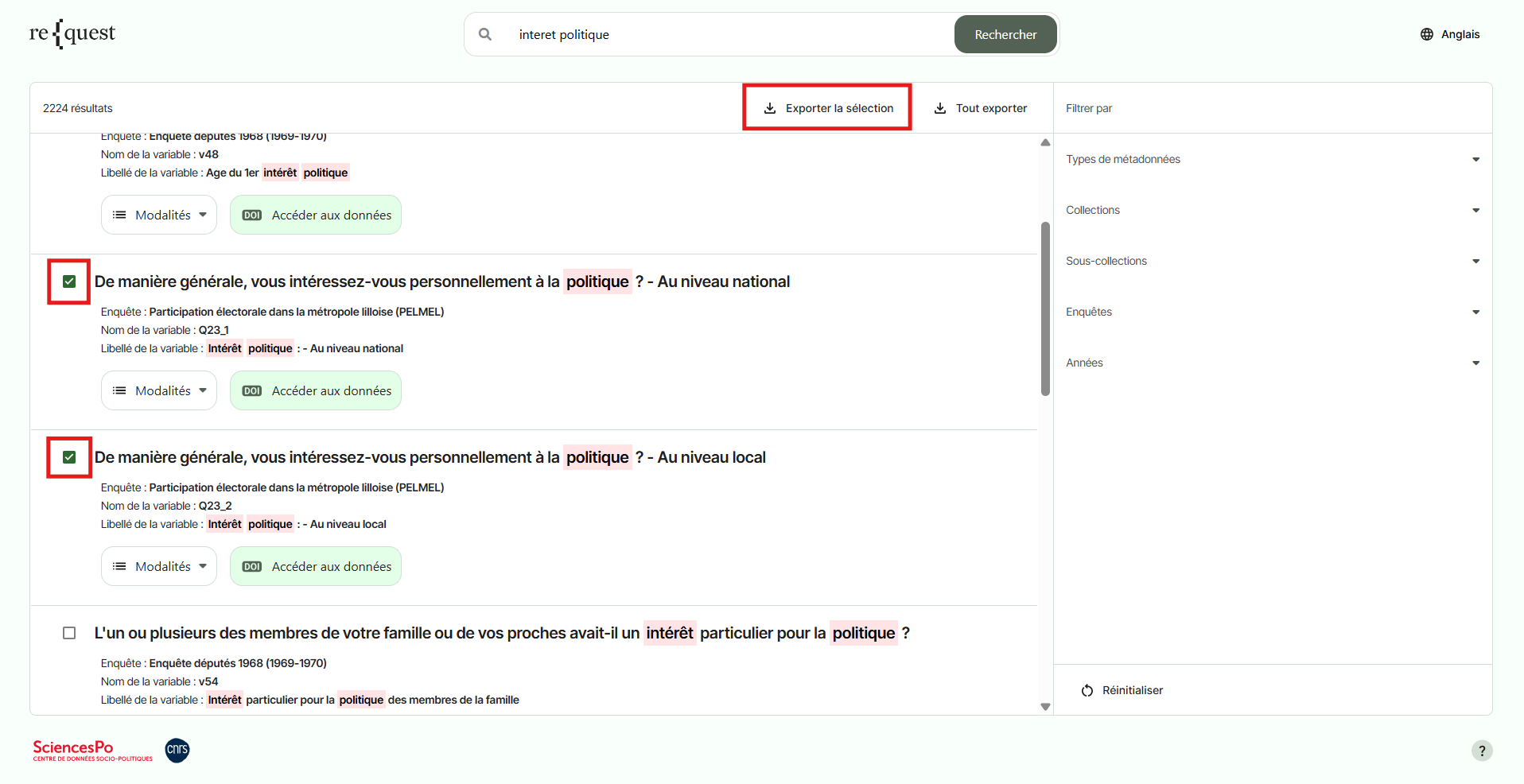
To export only selected questions from the search results, tick the questions you wish to export and then click the “Export Selection” button in the top-right corner of the Search Results page.
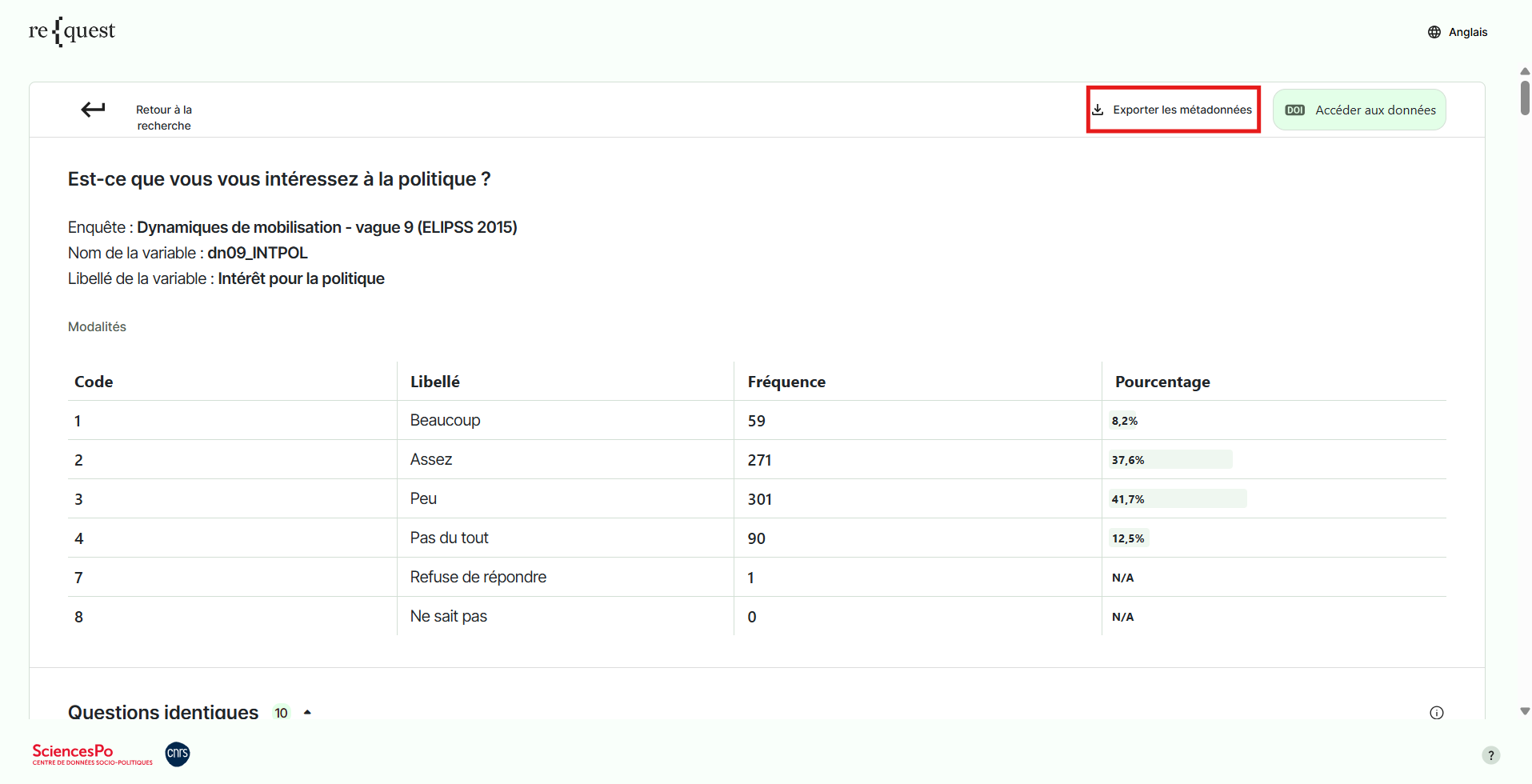
To export a question from the Question Details page, click the “Export Metadata” button in the top-right corner.