Text Search
Home Page
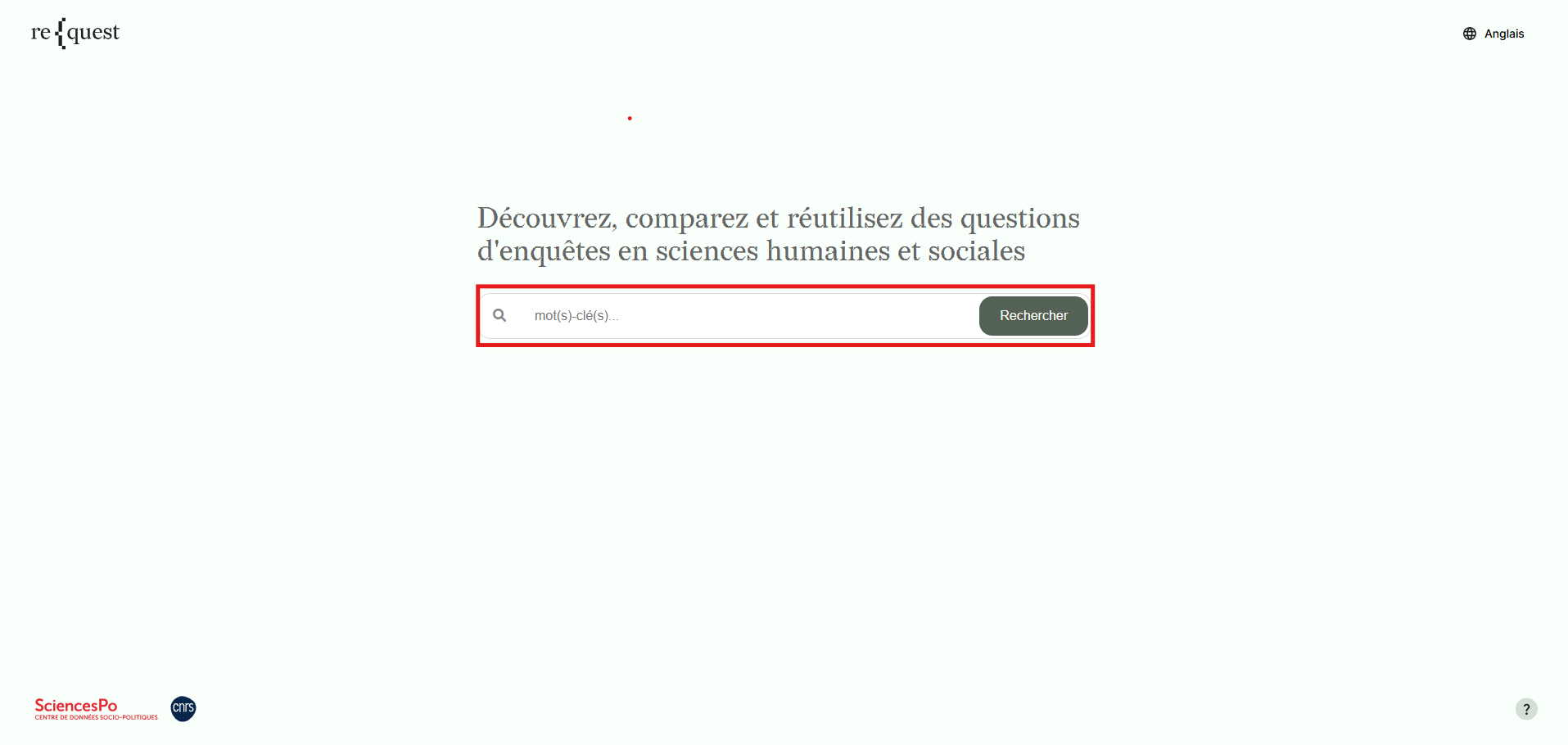
The search bar allows users to perform a text search using one or more keywords across all information contained in the variable level documentation.
Search Results
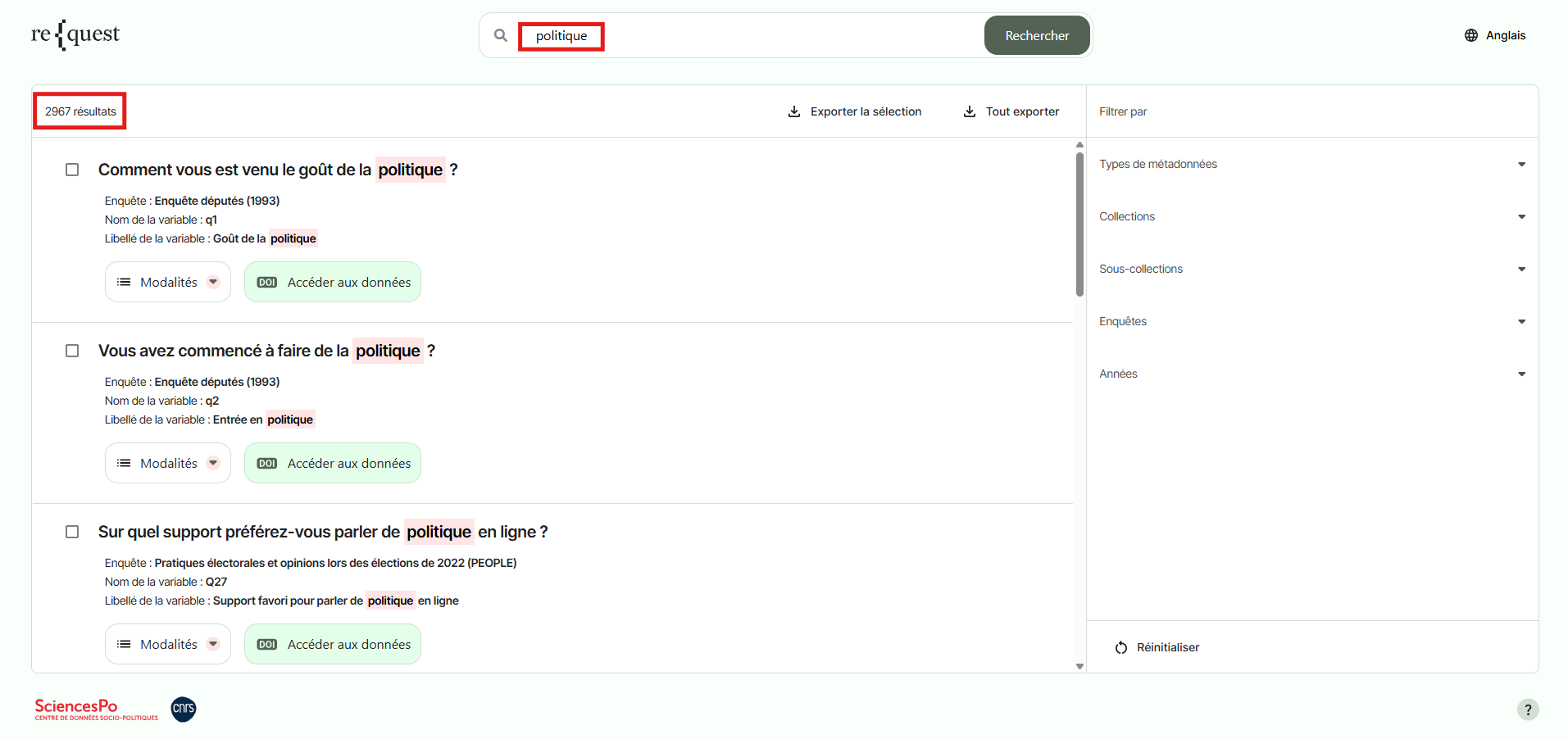
Results are displayed in order of relevance, based on the match and frequency of the keyword(s) within the question metadata, including the question wording and response categories, as well as the name and label of the associated variable. The total number of results is displayed in the top-left corner, and the search terms are highlighted in red.
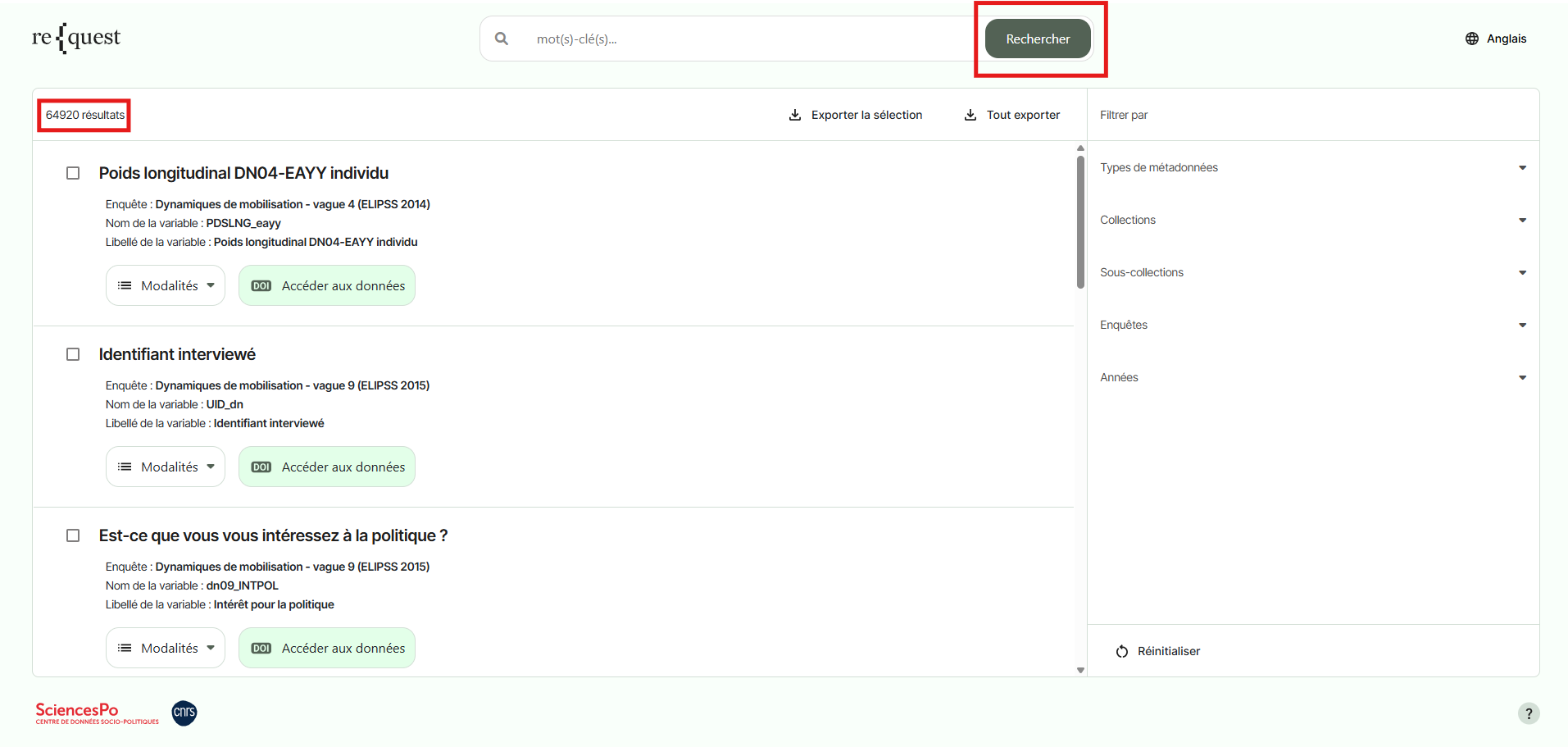
To display all available questions and variables, click Search without entering a keyword.