Filers
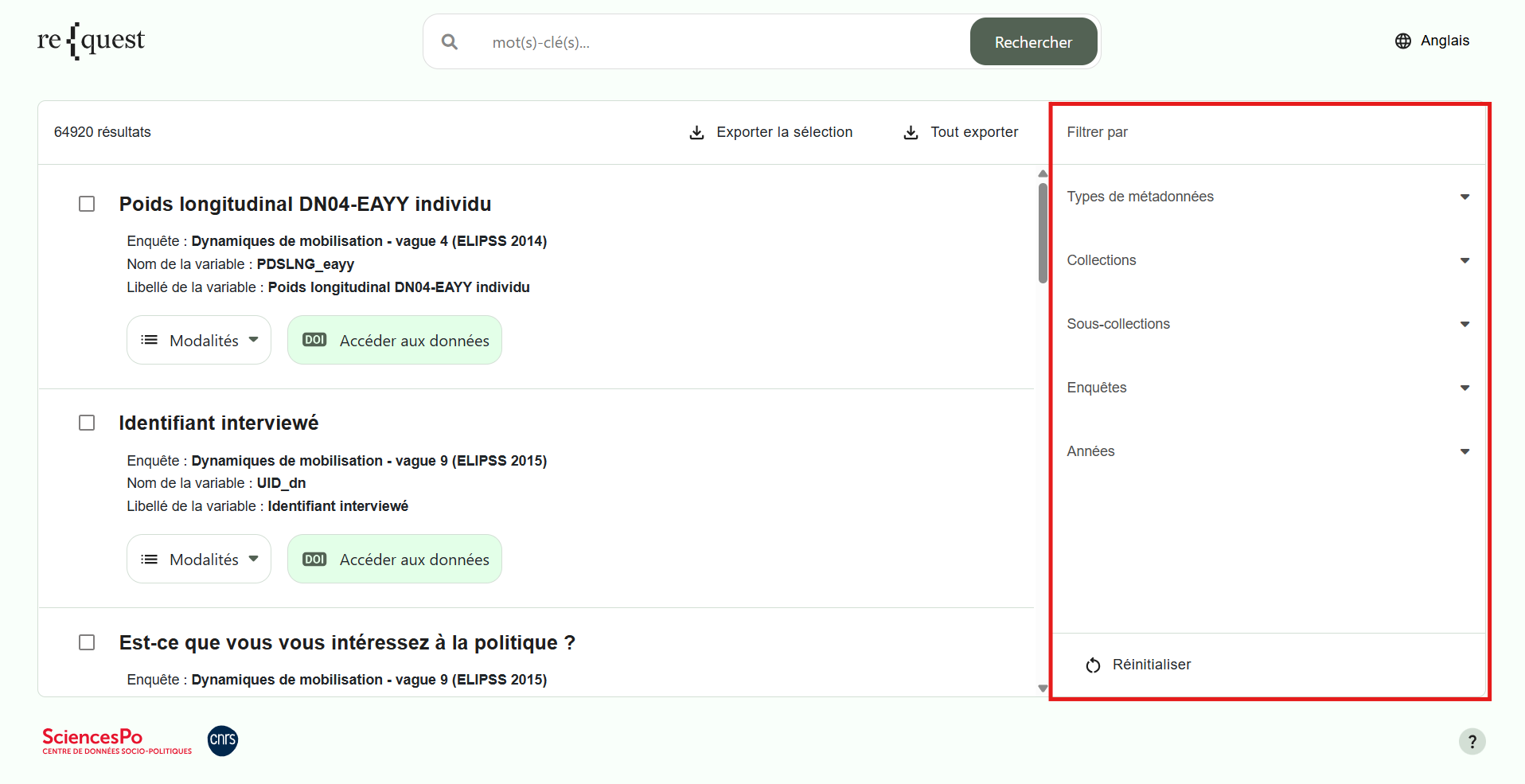
On the Search Results page, the panel on the right-hand side of the screen allows you to refine your current search using the following filters:
- Metadata Types
- Collections
- Sub-collections
- Surveys
- Years
Metadata Types
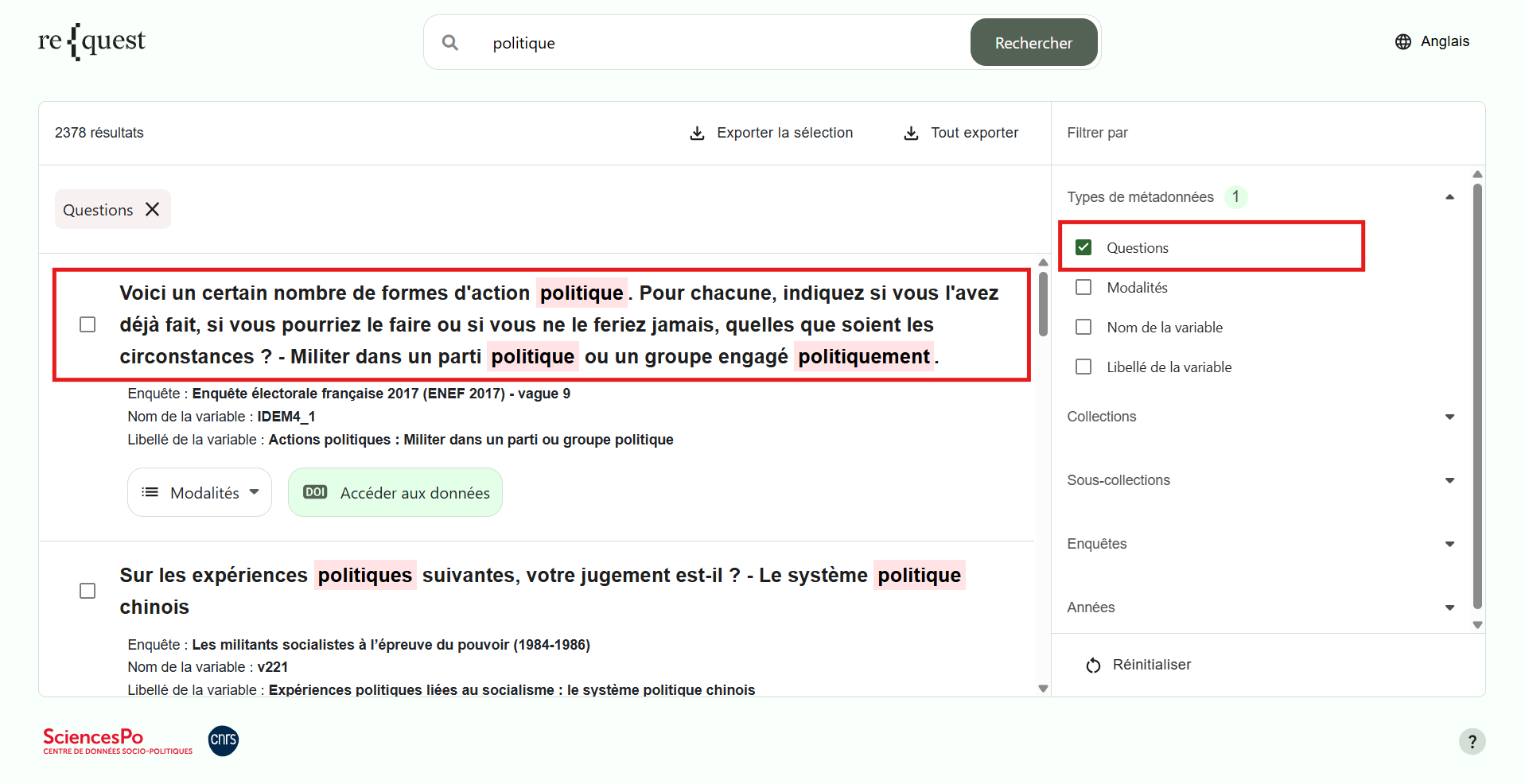
Questions
Select Questions to search for one or more keywords only within question wording.
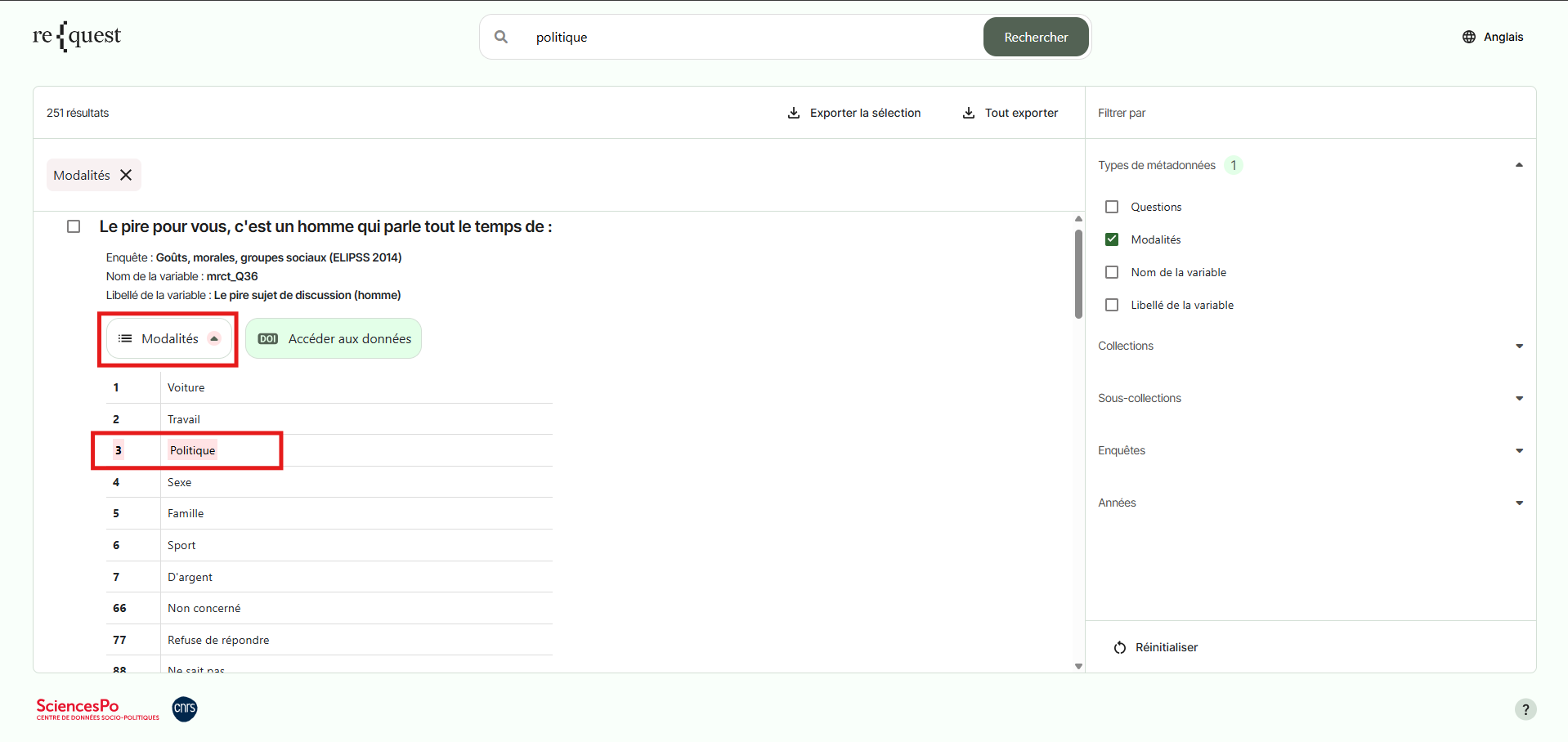
Response Categories
Select Categories to search for one or more keywords only within response options.
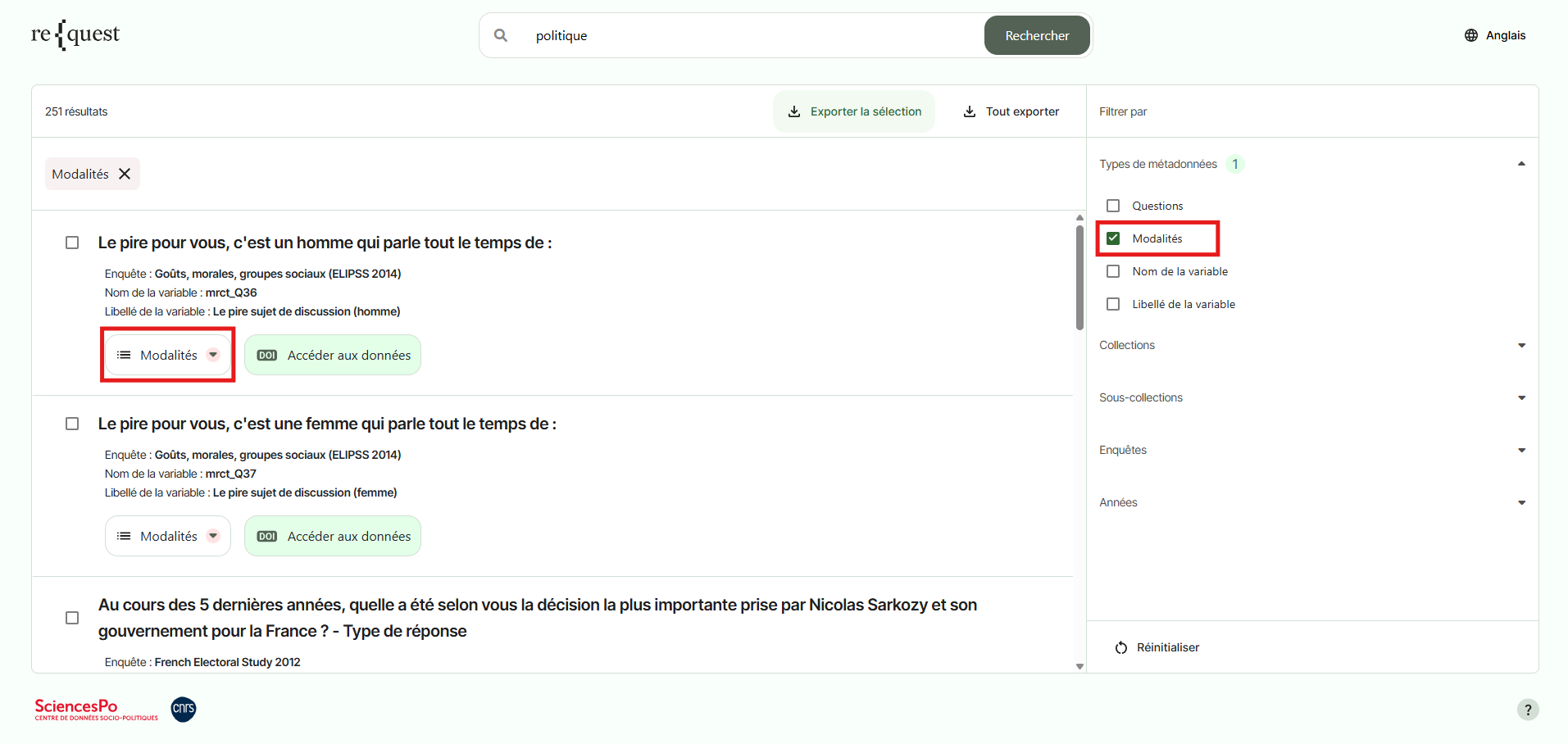
Click the Categories button to expand and view the list of codes and their associated response options.
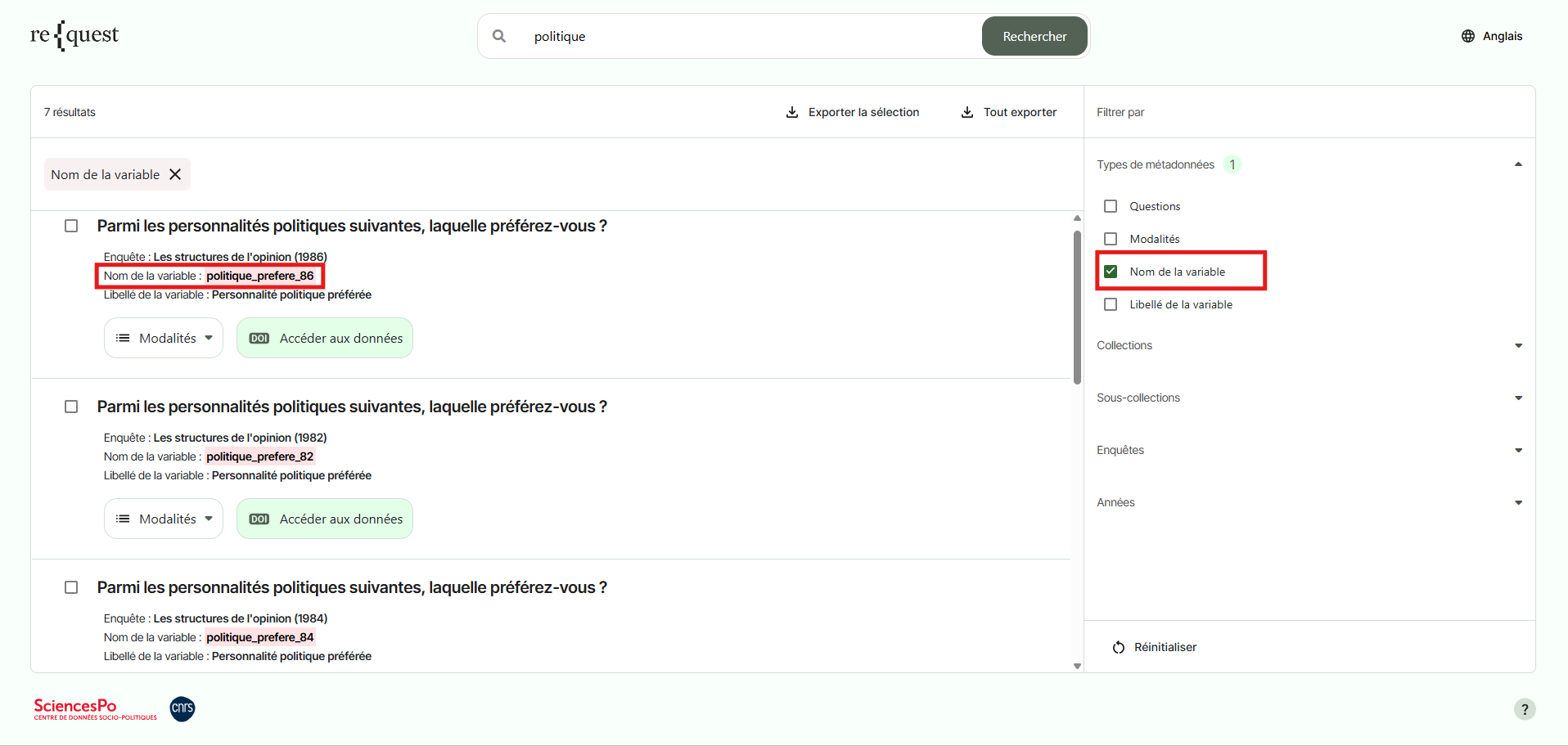
Variable Names
Select Variable Name to search for one or more keywords only within variable names.
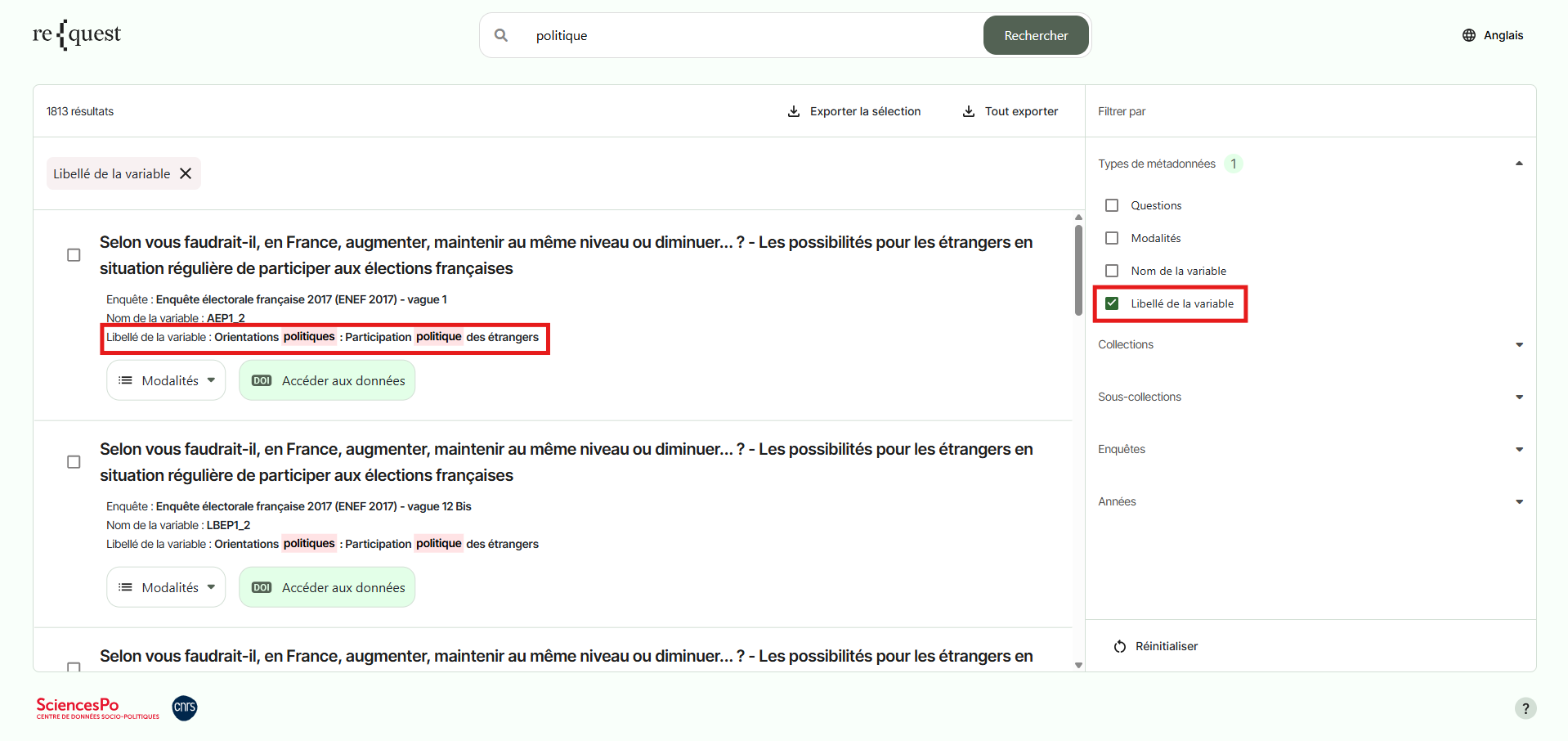
Variable Labels
Select "Variable Label" to search for one or more keywords only within variable labels.
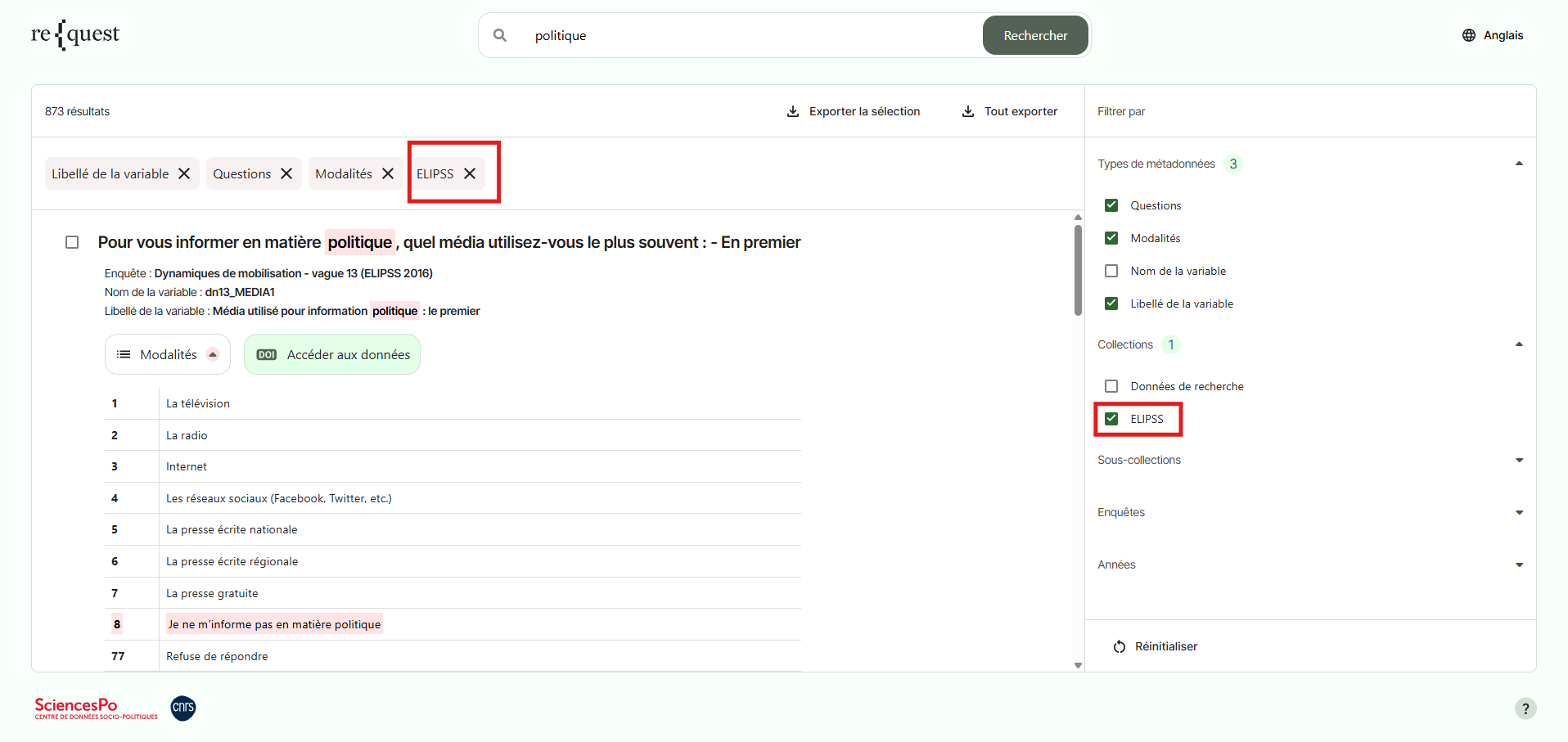
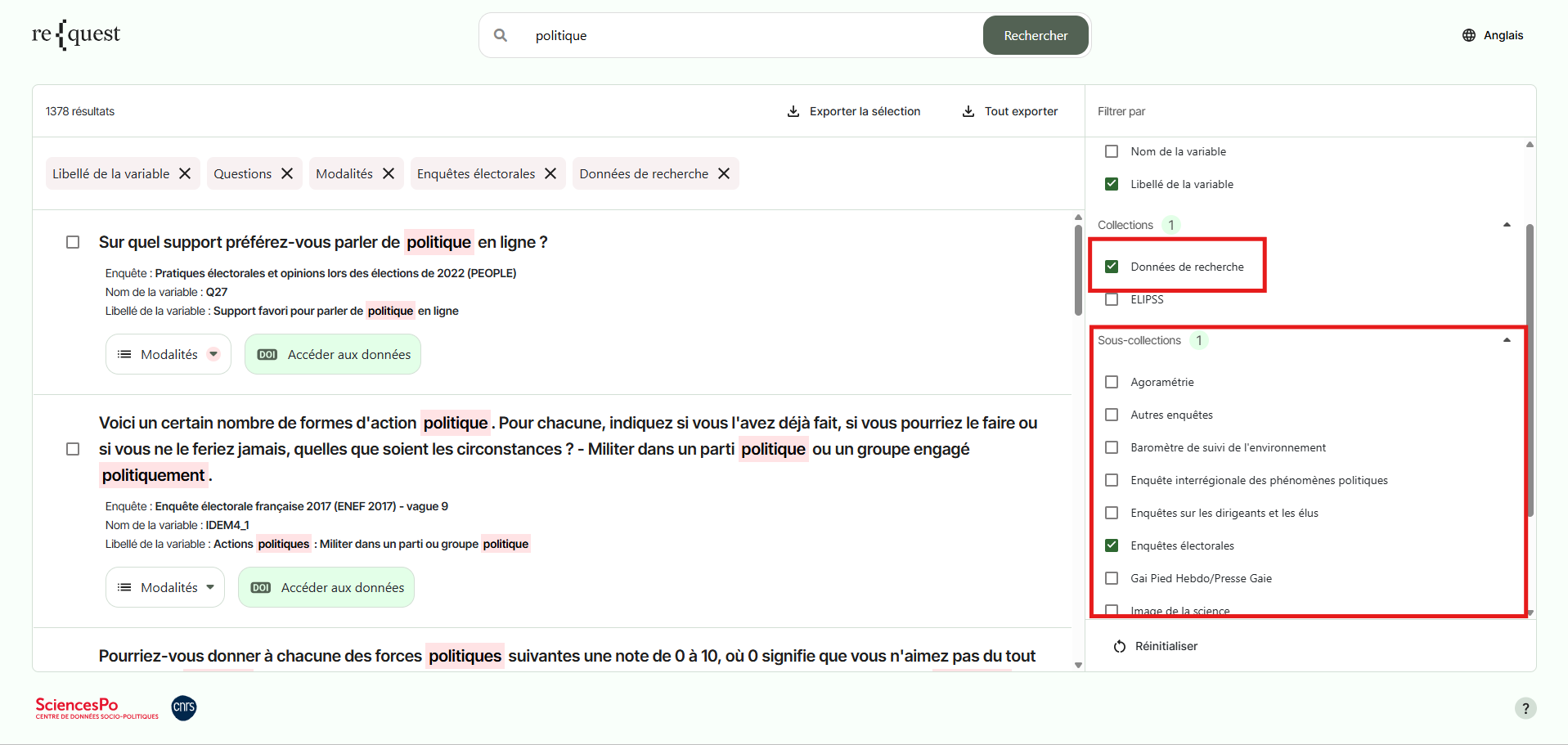
Collections
Select the collection of your choice to restrict search results to questions and variables from surveys within either the ELIPSS collection or Research Data (other surveys available through the CDSP Data Bank).
Sub-collections
Select a collection to display only the sub-collections associated with it. The Sub-collections field automatically updates according to the filter selected in Collections. For example, if you select the Research Data collection, only the corresponding sub-collections will appear in the list.
Surveys
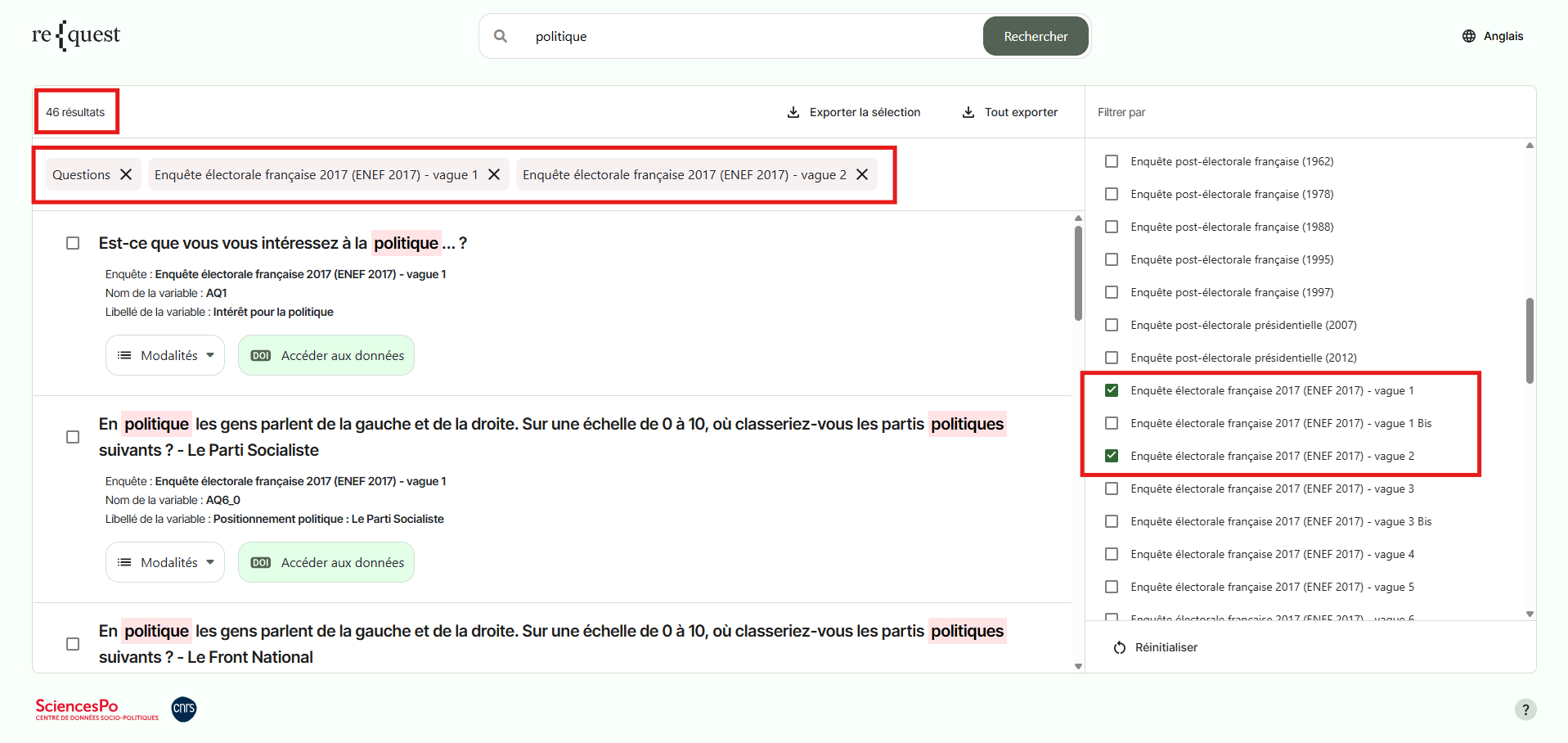
To restrict search results to questions from one or more surveys, select the relevant surveys from the list.
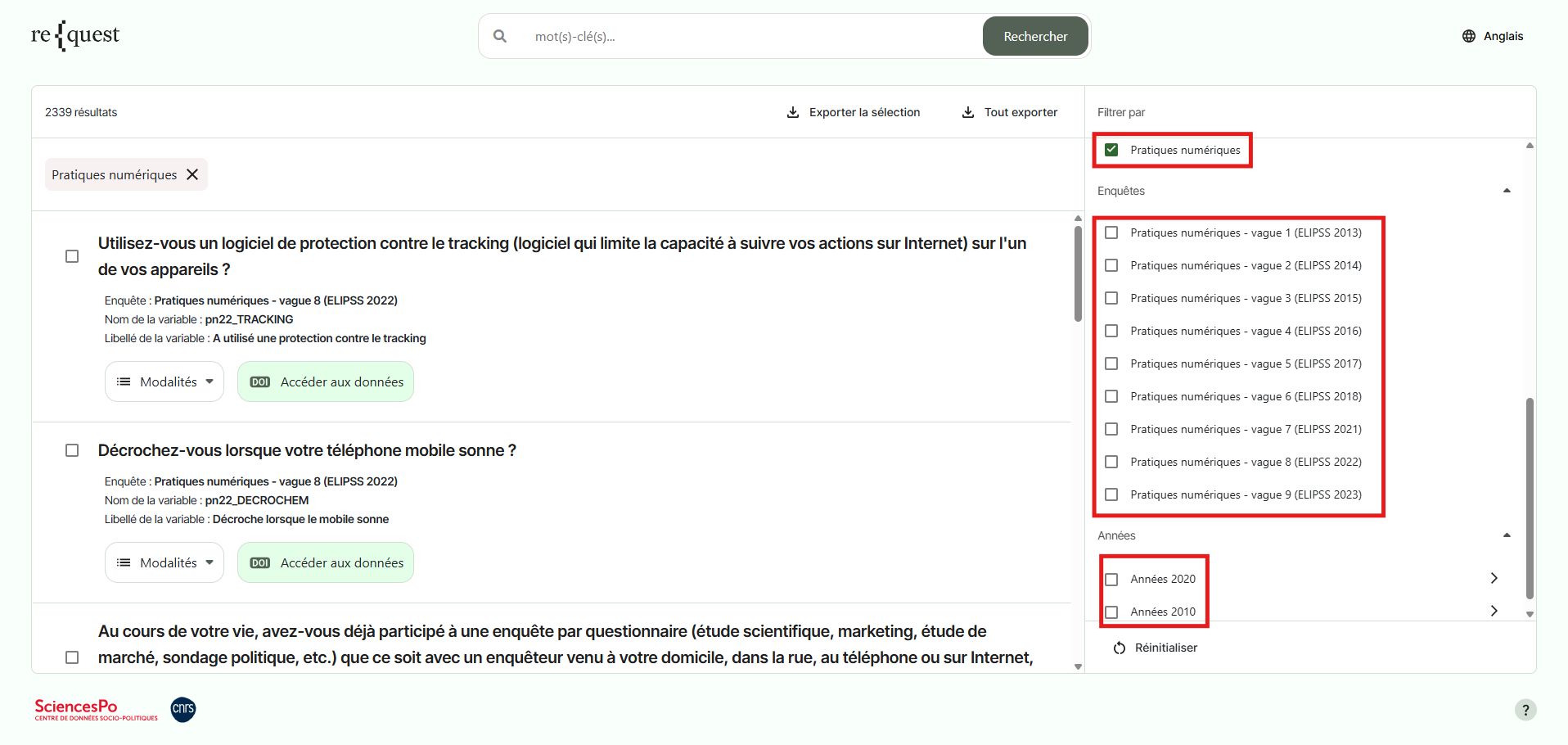
For example, you can search for the term “politics” only within the question wordings from Waves 1 and 2 of the 2017 French Election Study.
Years
Filter results according to the year in which the data were collected. One or more years can be selected to target a specific period.
For example, you can search only within the wording of questions asked in 2024 for the terms “vote” and “election”.
Managing Filters
Your active selection is displayed in the horizontal bar at the top of the page. You can remove one or more active filters by clicking the corresponding cross icon. To reset your search completely, click the Reset button at the bottom of the right-hand panel.
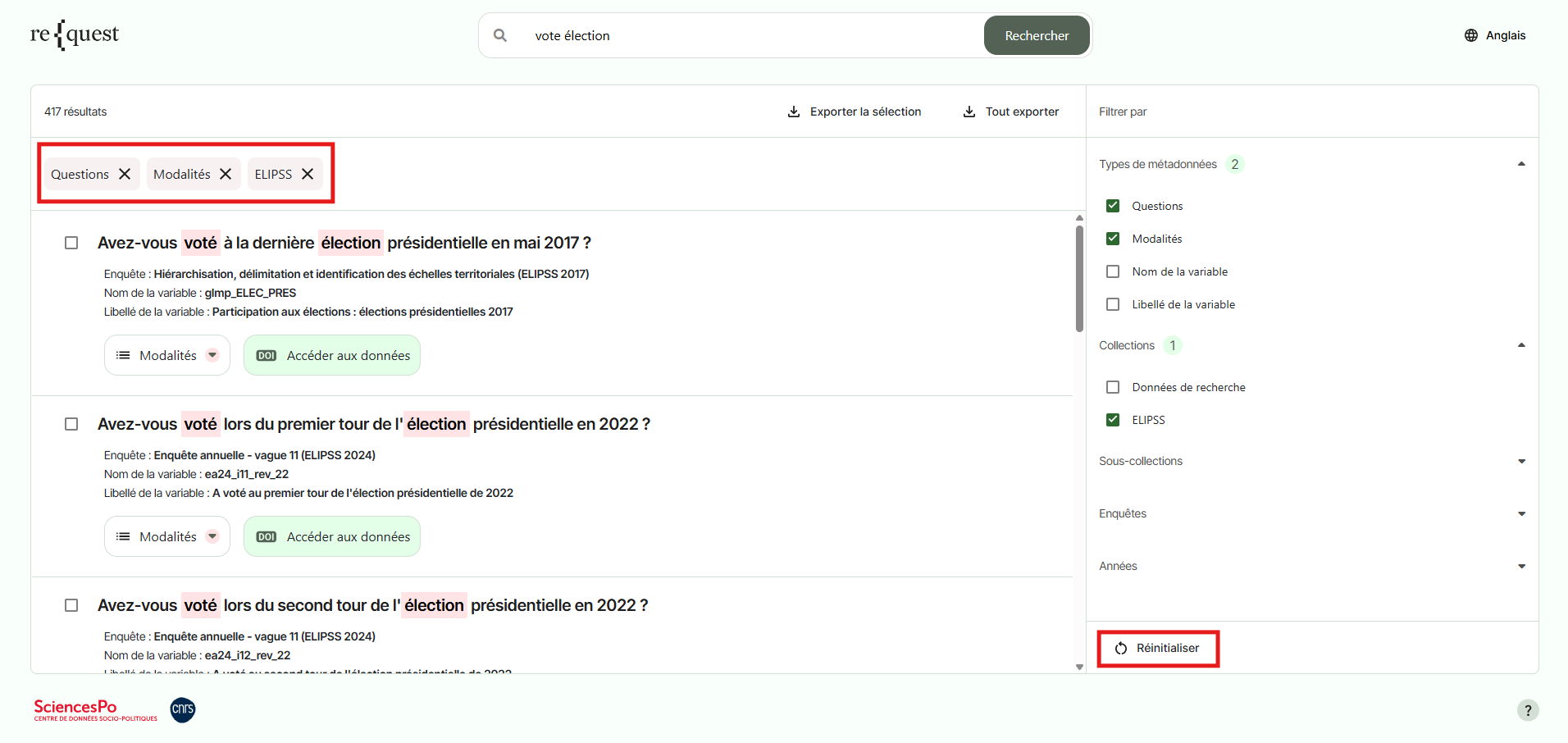
Filters are dynamic and interdependent: whenever a filter is applied, the other filters automatically adjust to display only the remaining available options. For example, if you select the Digital Practices sub-collection, only the surveys and years associated with that series will be displayed.